Universal AI text actions for macOS

Select text.
Tap CueDraft.
Turn it into
anything.

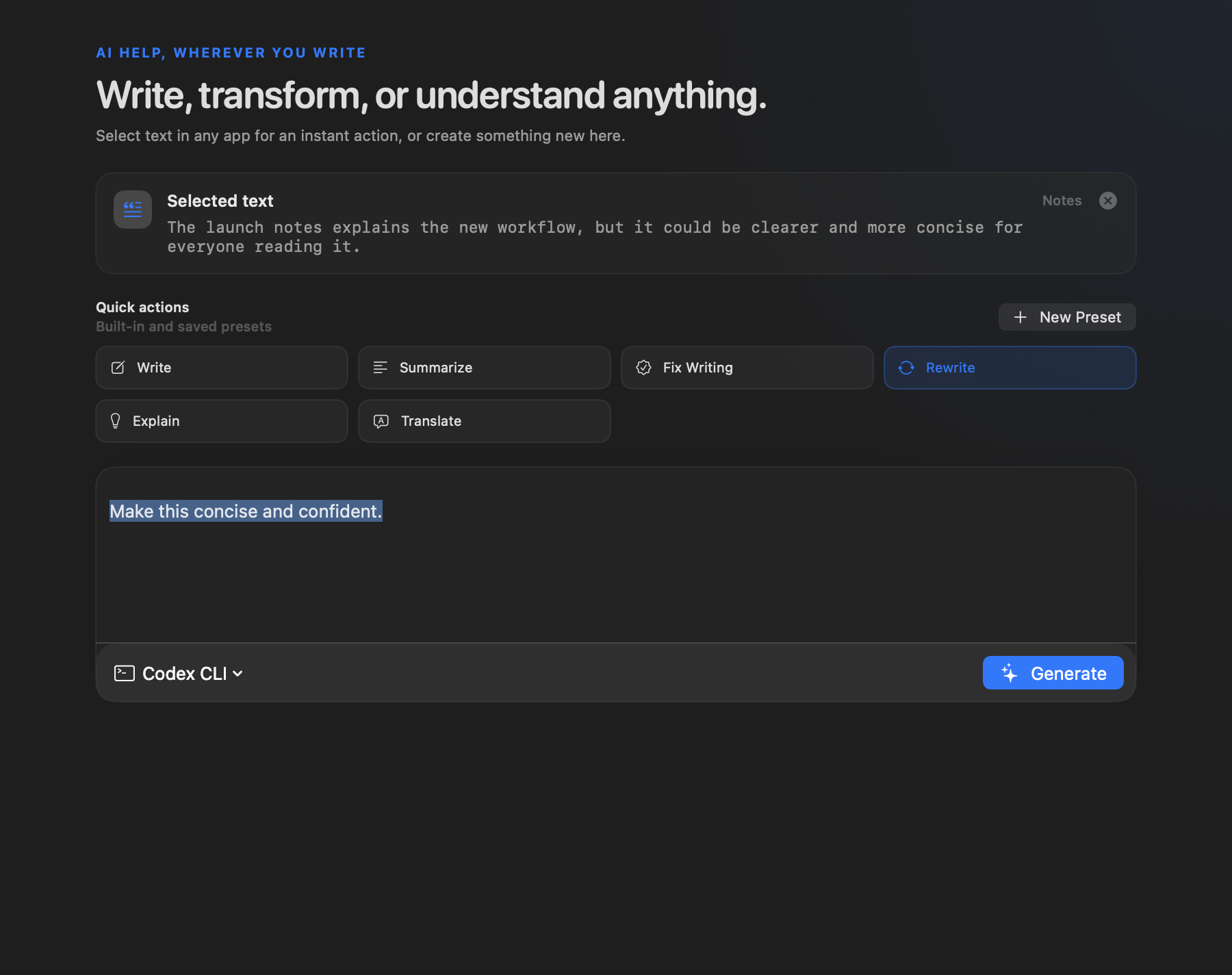
Fix, improve, polish, simplify, summarize, translate, format, reply, rewrite, use presets for repeated tasks, or run your own instruction on selected text from the Mac apps where you already work.

21-day Pro Trial · No credit card · macOS 14+

Team update draft

Please turn these notes into a clear product update.

Keep decisions, dates, and follow-up owners easy to scan.

CueDraft button beside selected text
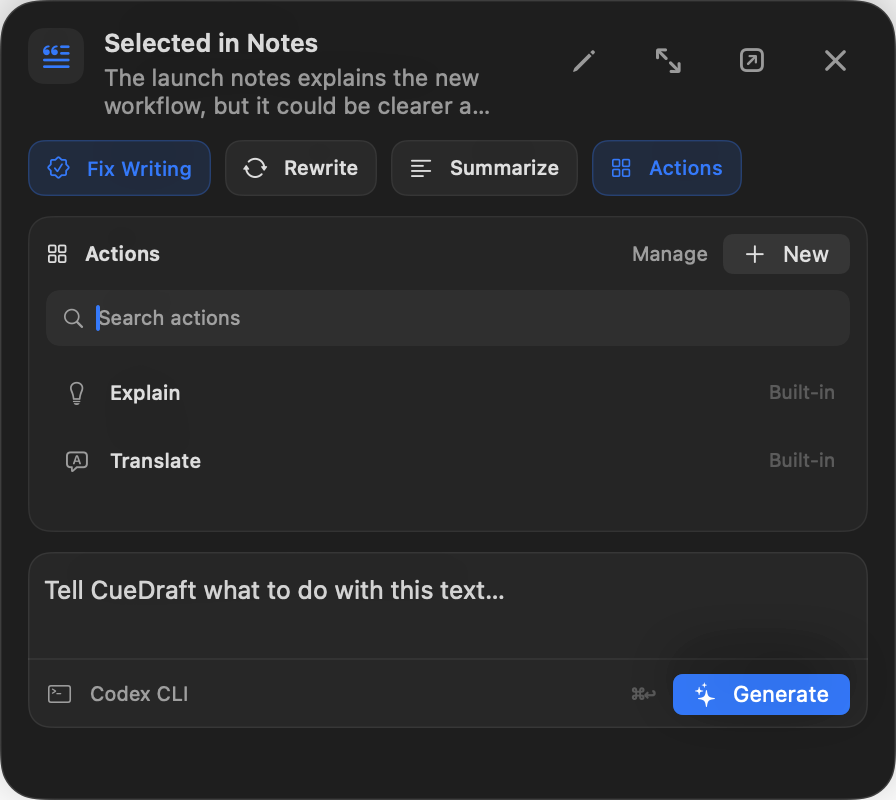
CueDraft action menu with custom instruction input
Summarize this

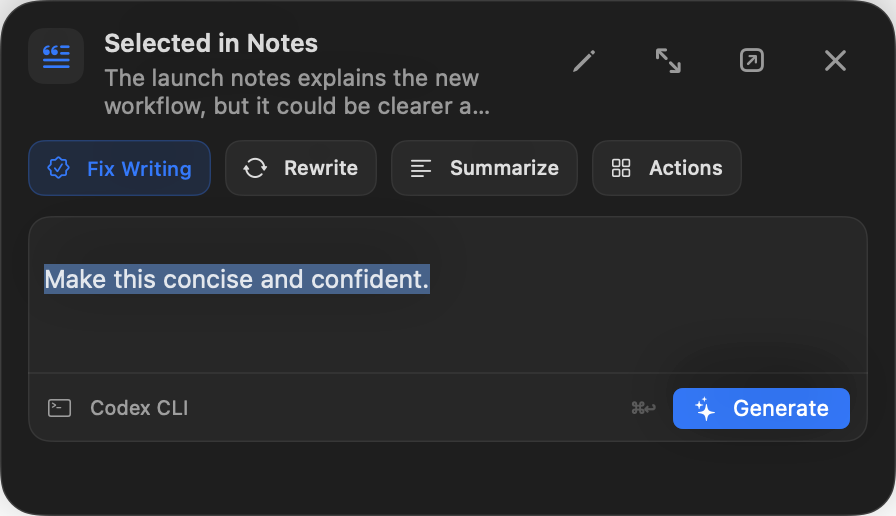
Actions, presets, and custom instructions stay close to selected text.

CueDraft Assist workflow

Selected text becomes an action, then a result.

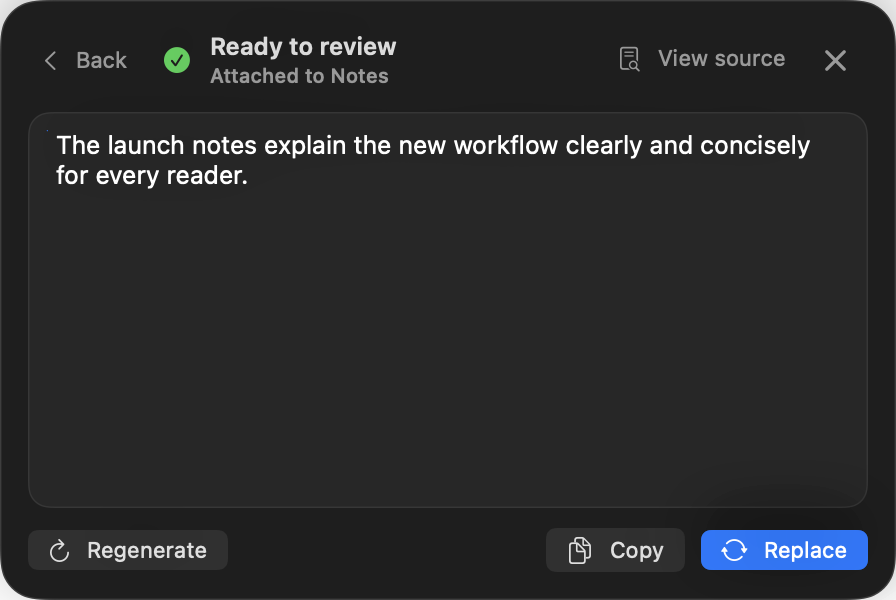
Run quick actions, presets, or custom instructions, then choose Copy or Replace depending on the source surface.

Selected text

Need this update to sound clean and correct before it goes out.

CueDraft Assist

FixImproveConciseRewritePresetsCustom
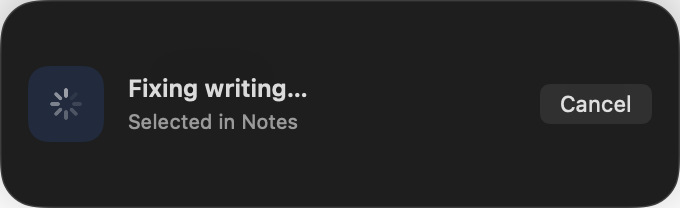
ActionFix grammar

Fix spelling, grammar, and punctuation

Review result

A cleaned-up update that keeps the original meaning intact.

CopyReplace
01 — Why CueDraft

One action surface
for selected text.

CueDraft is built around one repeated motion: select the text, choose the right action, keep review visible when needed, and decide whether generation stays local or runs through a provider.

01

Act on selected text anywhere on Mac

CueDraft Assist appears near selected text in supported apps, so summaries, translations, replies, and cleanup stay close to the work in front of you.

02

Run built-ins, presets, or your own instruction

Use fast actions when the job is obvious, saved presets when the work repeats, or a custom instruction when you need a specific result.

03

Review before replace

When the wording matters, CueDraft keeps the result visible before it goes back into your document.

04

Keep text local by default

CueDraft Engine keeps text work on your Mac. Your selected text only leaves the device when you choose a hosted provider.

02 — Product paths

Quick when you can.
Careful when you need.

CueDraft keeps the fast path close to selected text, turns repeated instructions into presets, and opens a workspace when the result deserves review.

CueDraft Assist

Tap CueDraft right where it is

Select text and use the CueDraft button nearby to run actions, presets, or custom instructions without opening the full panel first.

  • Runs Fix, Improve, Concise, Rewrite, presets, and custom instructions
  • Handles summaries, translations, replies, formatting, and one-off transformations
  • Shows Copy or Replace based on what the source surface can safely support
  • Can be hidden globally or for specific apps and fields

Best when selected text needs a quick action close to the highlight.

Team update draft

Please turn these notes into a clear product update.

Keep decisions, dates, and follow-up owners easy to scan.

CueDraft button beside selected text
CueDraft action menu with custom instruction input
Summarize this

Actions, presets, and custom instructions stay close to selected text.

Presets

Save repeated work as actions

Turn your usual instructions into presets for customer replies, summaries, translations, weekly updates, sales notes, and house style.

  • Save instructions instead of rebuilding the same prompt
  • Run presets from the same selected-text flow
  • Use favorites and folders as your preset library grows

Best when a text job recurs and the instruction should be one click away.

CueDraft presets menu with reusable text actions
Workspace

Review before you replace

Open a focused workspace to edit directly, run actions, and inspect output before it goes back into your document.

  • Edit directly before or after AI output
  • Review compare, history, and issue highlights in one place
  • Use the result only when you are satisfied with it

This is the careful path for wording that deserves review, compare, and control.

CueDraft Workspace
03 — Trust and fit

Built for Mac users
who care about control.

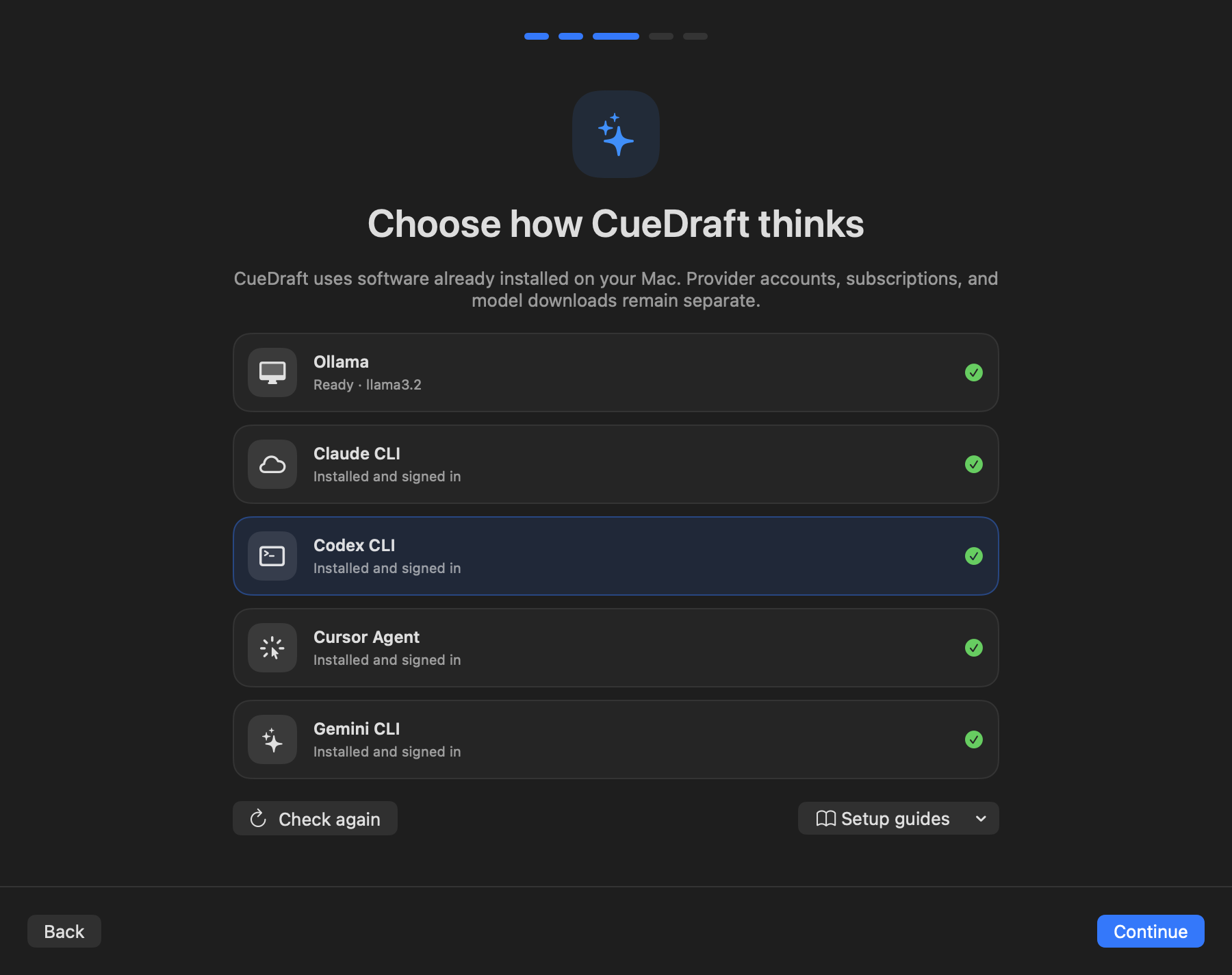
CueDraft is a native Mac app with optional local AI and hosted providers only when you choose them.

Native macOS app

Built for Mac as a focused menu bar utility, not a browser tab workflow.

Optional local engine

CueDraft Engine keeps selected-text work on your Mac when privacy matters.

Hosted only when chosen

Use OpenAI or Anthropic when they are the better fit for a specific run.

Simple pricing

One Pro plan.
Start free for 21 days.

  • Pro Trial starts on first Mac sign-in. No credit card required.
  • Unlocks CueDraft Assist, Quick Fix, Advanced Actions, custom instructions, presets, history, and profiles.
  • CueDraft Engine keeps text work local on your Mac unless you choose a hosted provider.
05 — FAQ

Clear answers
before you start.

These are the practical buying questions that should be answered before anyone starts a trial.

Does CueDraft send my text to the cloud?

Not by default. CueDraft Engine runs on-device in Pro, so selected text can stay on your Mac. Text only leaves the device when you explicitly choose a hosted provider for that run.

What’s the difference between on-device and hosted?

On-device keeps generation local to your Mac. Hosted providers run generation off-device under that provider’s terms. The editing workflow stays the same either way.

Which apps does it work in?

CueDraft is built for real Mac text surfaces across browsers and native apps. When a surface is not ideal, CueDraft keeps the output in the workspace so you can apply it safely.

What if replacement fails?

CueDraft prioritizes not losing your work. If direct replacement does not succeed, CueDraft keeps the generated result visible in the panel and guides you to the safest next step.

How is Quick Fix different from the workspace?

Quick Fix is the fast cleanup path for text that is already close. CueDraft Assist is the nearby selected-text surface for actions, presets, and custom instructions. The workspace is for review, compare, exact wording locks, and more deliberate work.

Can I reuse my usual instructions?

Yes. Saved presets let you keep repeated instructions as reusable actions, so recurring text work does not turn into prompt rebuilding every time.

How does the Pro Trial work?

CueDraft starts a one-time 21-day Pro Trial automatically on the first successful CueDraft Mac sign-in. No credit card required. Web login does not start the trial.

What permissions does CueDraft need on macOS?

CueDraft may need macOS accessibility permissions so it can capture selected text and place approved results back into the source app.